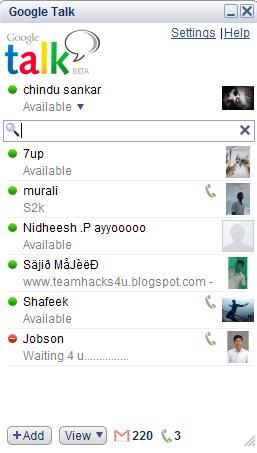
- Right-click Your Gtalk Messenger shortcut on your desktop
- Click Properties
- Select The Shortcut Tab
- You will see A Target TextBos with: “c:\program files\google\google talk\googletalk.exe” /startmenu
- Change the Text to “c:\program files\google\google talk\googletalk.exe” /nomutex
- Click Apply and OK. to close the window.
- Now you can copy the shortcut file and paste Multiple versions on your desktop rename the shortcut to associate them with the appropriate Gtalk Account.
Labels: mobile, Social Media, softwares, Tricks